🏆 Bot Club, $9/mo: new copy-paste bot recipes and ready-made templates every month, plus a monthly “get unstuck” Q&A post in the members area. Cancel anytime.
Join Bot ClubTake the 2-minute AI sidekick quiz →
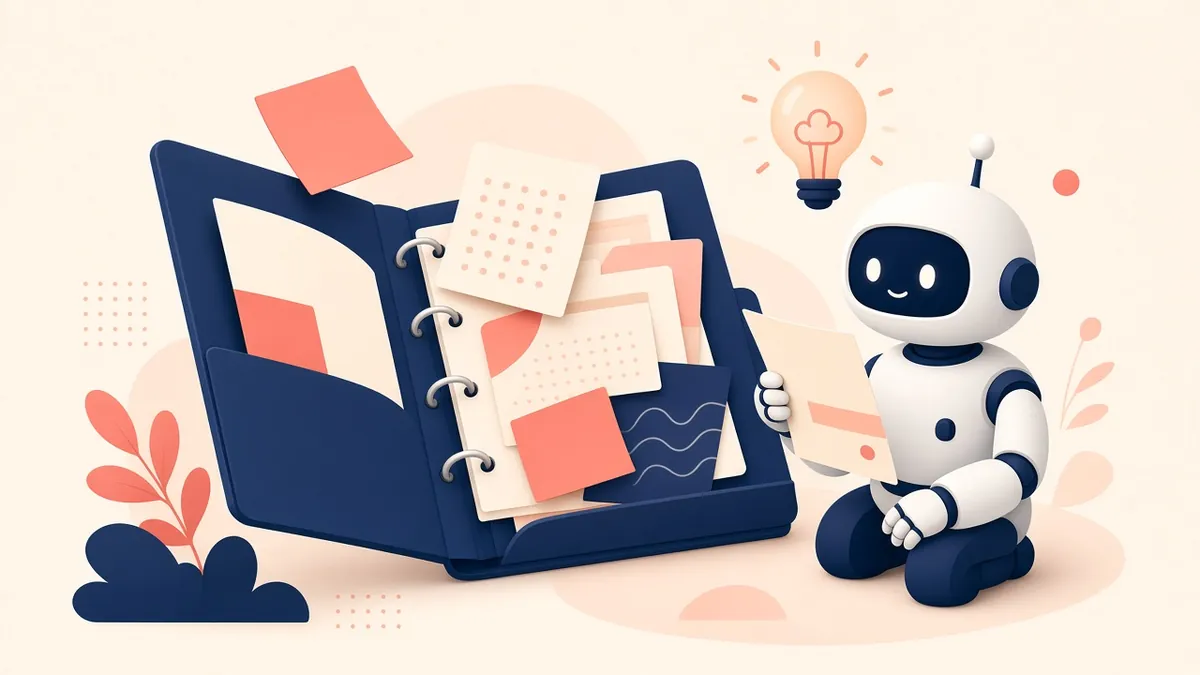
Think of it like a binder
Normal chats forget everything when you start a new one. A Project is a binder: put your notes, documents and rules inside, and every new chat in that binder can use them.
Step by step
- Go to claude.ai and open Projects, then Create project.
- Give it a name and a short description (“Our family’s 2027 vacation”).
- Add instructions: how you want Claude to act in this project.
- Add files to the project knowledge: itineraries, PDFs, notes.
- Start a chat inside the project and ask away.
Fun project ideas
Feature availability by plan can change; check Anthropic’s help center for the current details.
Use ChatGPT instead? It has Projects too: ChatGPT Projects for beginners. Not sure Claude is the right assistant for you? See how it compares in ChatGPT vs Claude vs Gemini: which AI should a beginner use?
Official help
Keep going: related guides
- ChatGPT Projects: the same idea in ChatGPT
- ChatGPT vs Claude vs Gemini
- Write emails in your voice (works in Claude too)
- Build a customer FAQ helper
🎁 Free: 10 copy-paste ChatGPT prompts
If this guide helped, these two free study prompts pair well with it, with a Copy button:
- “Explain it like I’m 10”
- “Grade my answer, don’t write it”
The pack also has 8 more copy-paste prompts from our other free guides (job search, meals, trips, study and small business).
Free with an email signup. We never sell your email.
Pick the easiest way to get going
Three simple options. Secure checkout by Stripe.
🧰 Starter Kit
- Pick-your-assistant chart
- Setup checklists
- 24 copy-paste bot recipes
- Safety checklist + troubleshooting
🏆 Bot Club
- New bot recipes every month
- Ready-made templates
- Monthly “get unstuck” Q&A in the members area
- Cancel anytime
🛠️ Done-for-you setup
- We set up your assistant with you
- Monthly tuning: fixes, updates
- New recipes as you go
📬 Get one fun bot trick every week
The Bot Whisperer newsletter: free, plain English, unsubscribe anytime.
Coming soon: sign-ups open shortly. Follow @teachbots to hear when they do.