Home / For you
🌱 For new to aiNever used AI? Tried it and felt let down? Start here.
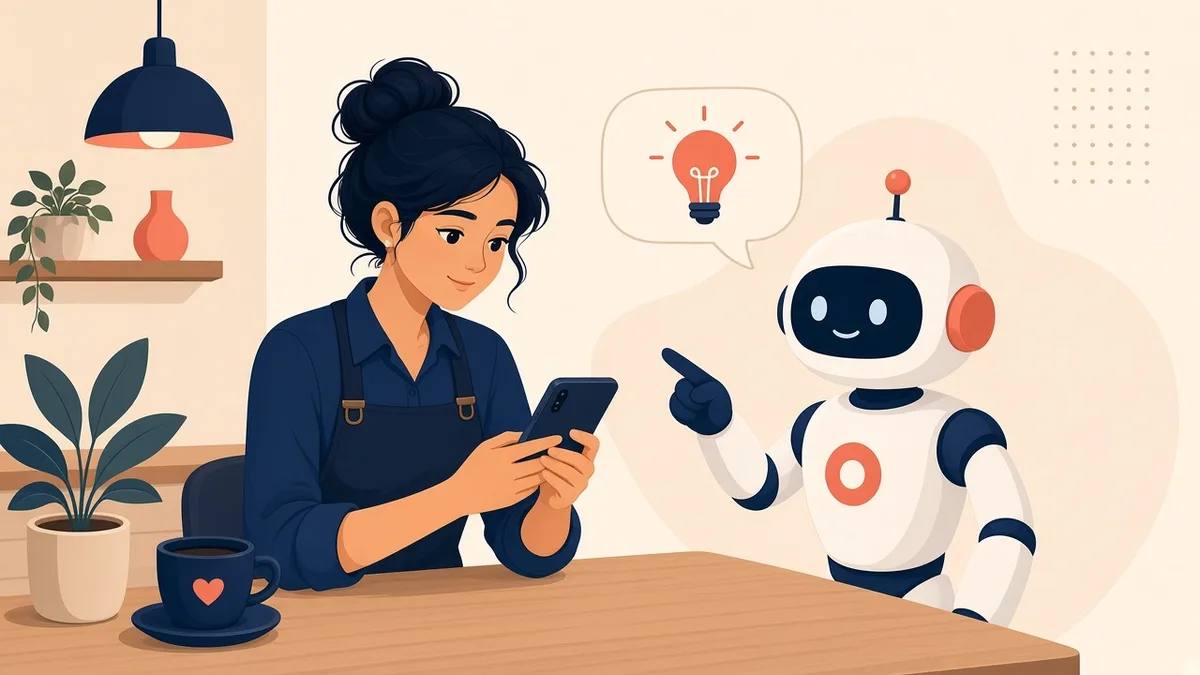
You don’t need to be “techy.” You need one good habit: talk to AI like a helpful new coworker, not a search box. Once that clicks, the answers get noticeably better. Here’s how, in 5 minutes.
Plain English · works with ChatGPT, Claude and Grok Bot · cancel anytime
Take the 2-minute AI sidekick quiz →
The most common mistakes (and the fix)
❌ Typing it like Google.
✅ “dinner ideas” gets a generic list. Say who it’s for, what you have, and how long you’ve got.
❌ Taking the first answer.
✅ The first reply is a rough draft, not the final word. Just say “shorter,” “friendlier,” or “explain step 2 more simply.” No need to start over.
❌ Believing everything.
✅ AI can sound completely sure and still be wrong. Double-check prices, health, money and legal answers with an official source.
❌ Pasting private stuff.
✅ Never paste passwords, card numbers or ID numbers. No real service needs them typed into a chat.
Try this right now
Open ChatGPT, Claude or Grok Bot (the free version is fine) and paste this. Fill in the brackets:
I'm new to AI assistants. Interview me with 5 quick questions,
one at a time, about my day, my job and what stresses me out.
Then suggest 3 simple ways you could save me time this week,
in plain words, no jargon.
Explain [THING THAT CONFUSES ME, like my phone bill or a letter
I got] like I'm smart but new to it. Use one everyday example
and keep it under 150 words. Ask me questions if you need to.
Go deeper, step by step
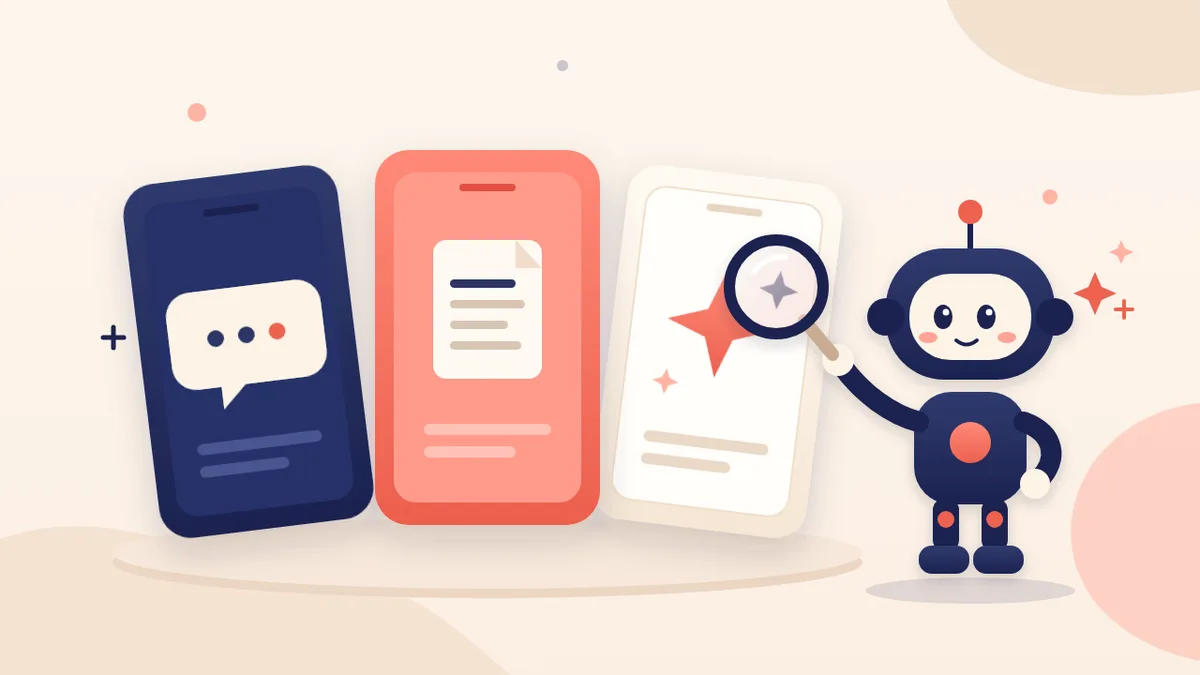
ChatGPT vs Claude vs Gemini
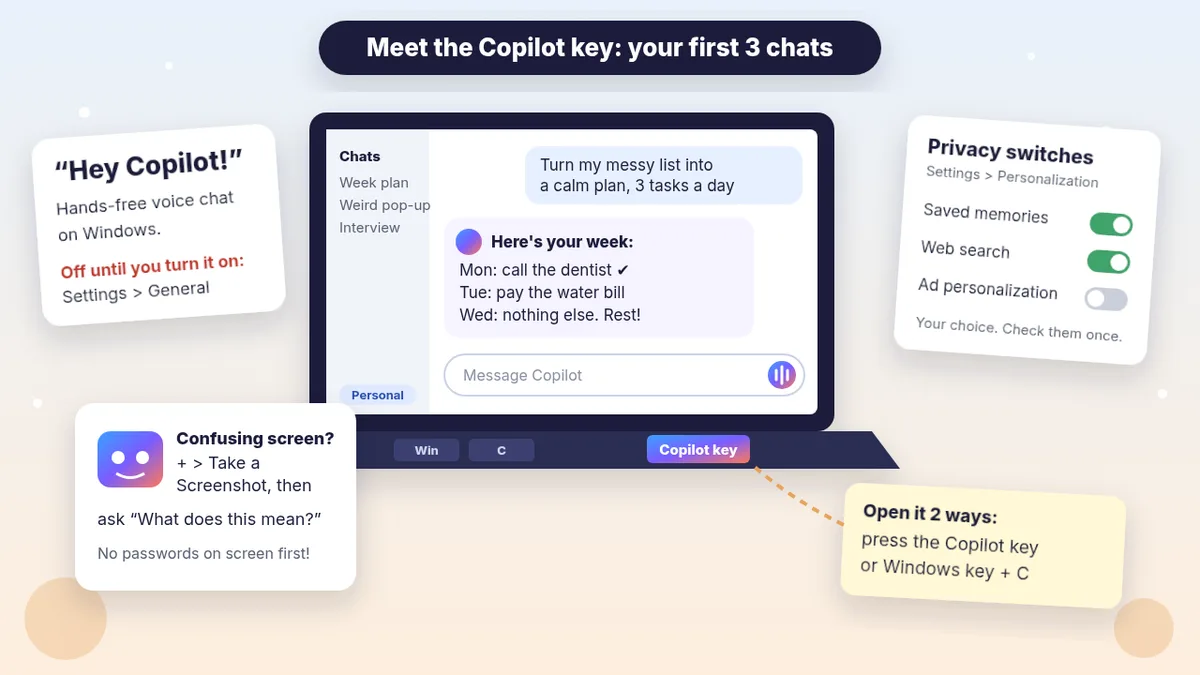
Got a Windows PC? Start with Microsoft Copilot
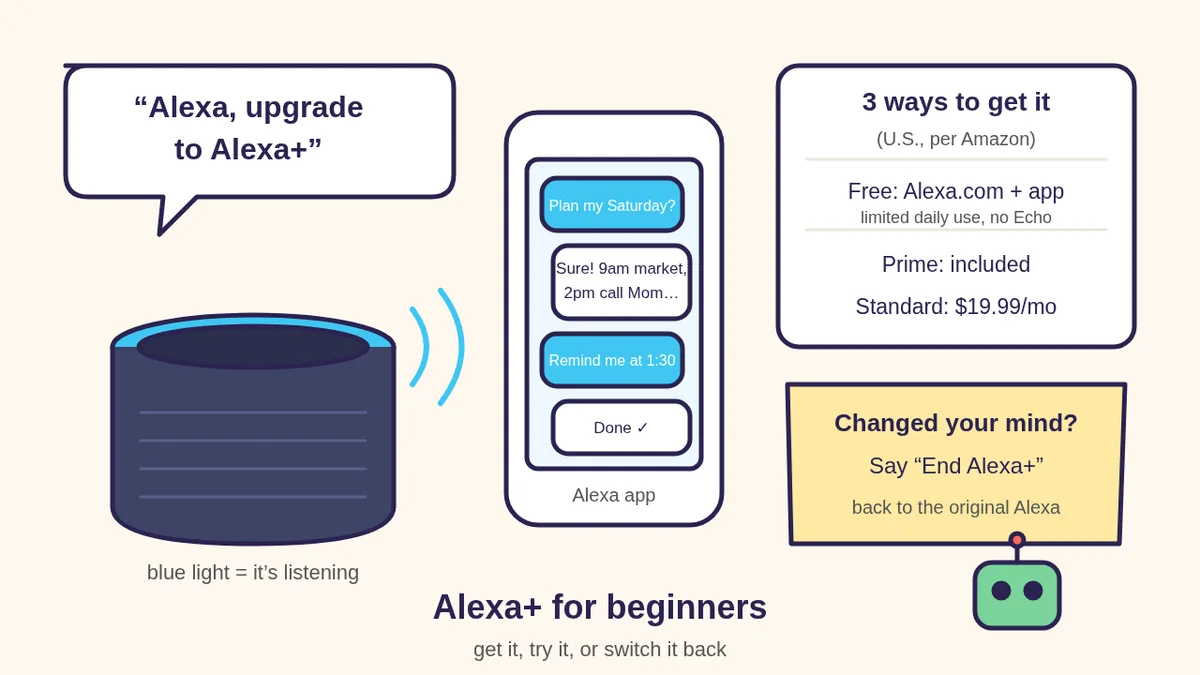
Got an Echo? Alexa+ for beginners
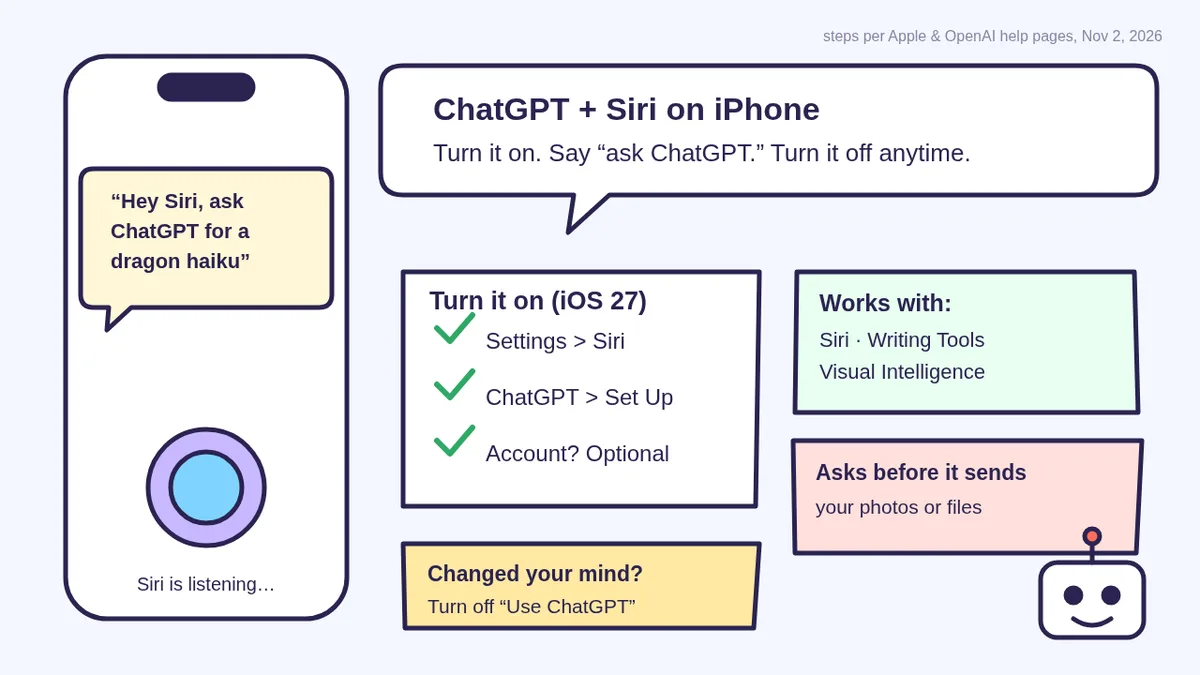
Got an iPhone? Ask ChatGPT through Siri
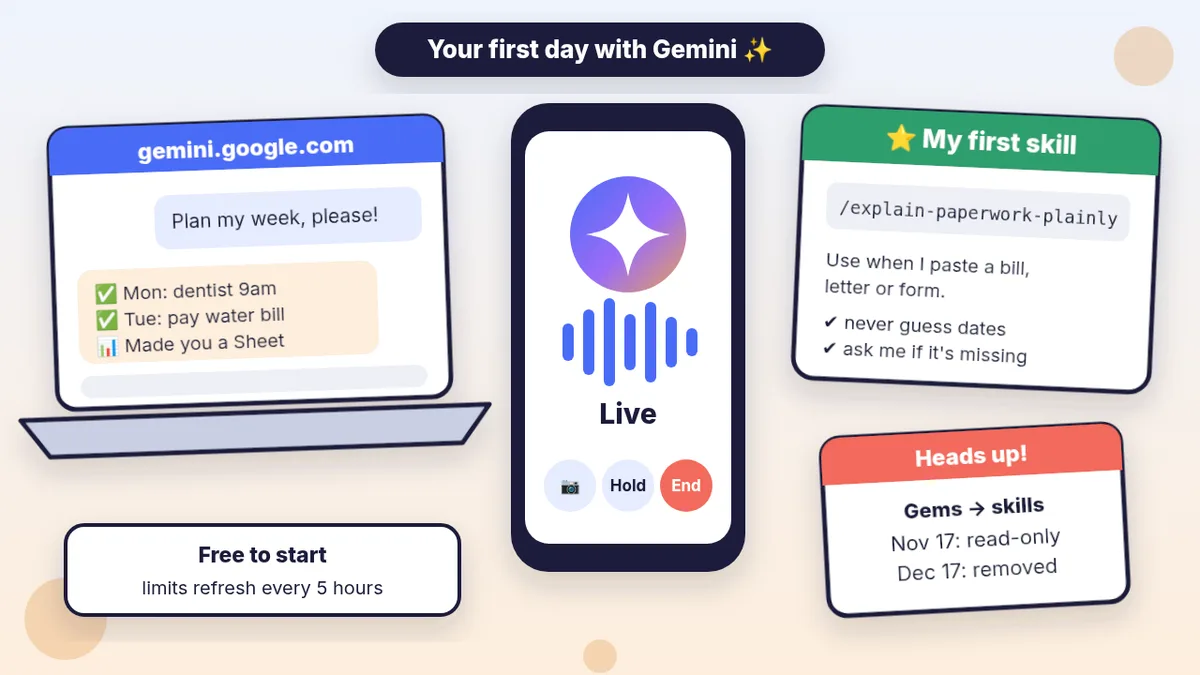
Start with Google Gemini (first chat + Live)
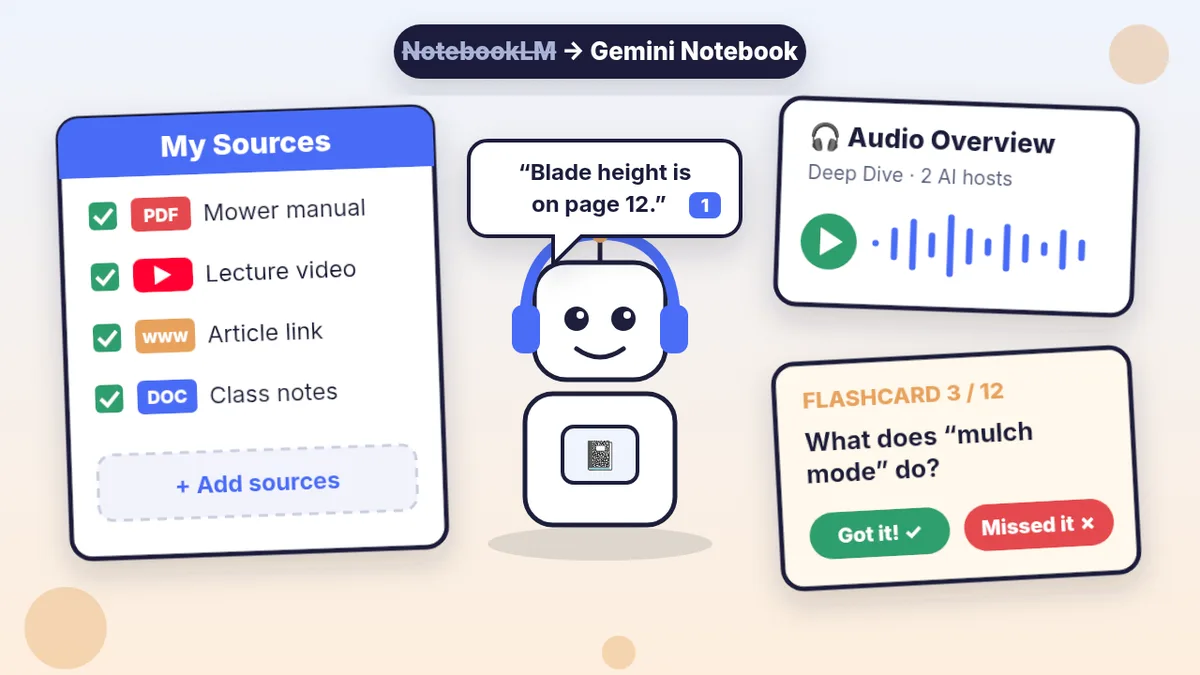
Ask your own PDFs with Gemini Notebook
ChatGPT prompts for beginners
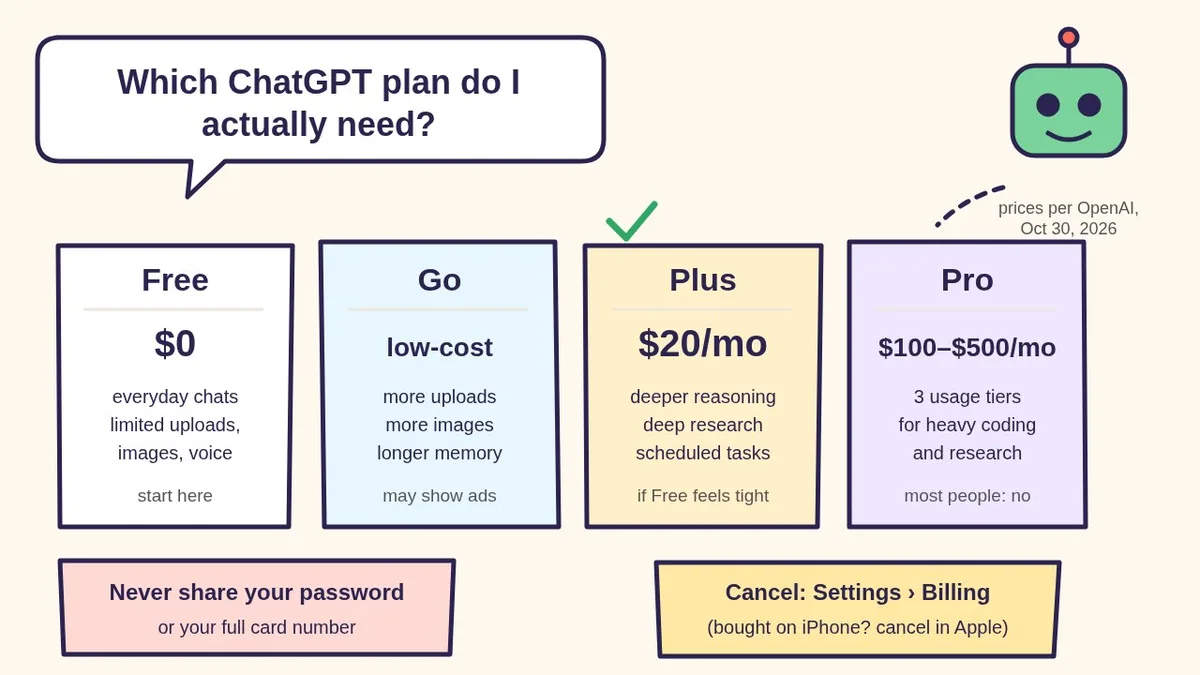
Free, Go, Plus or Pro? Which ChatGPT plan you need
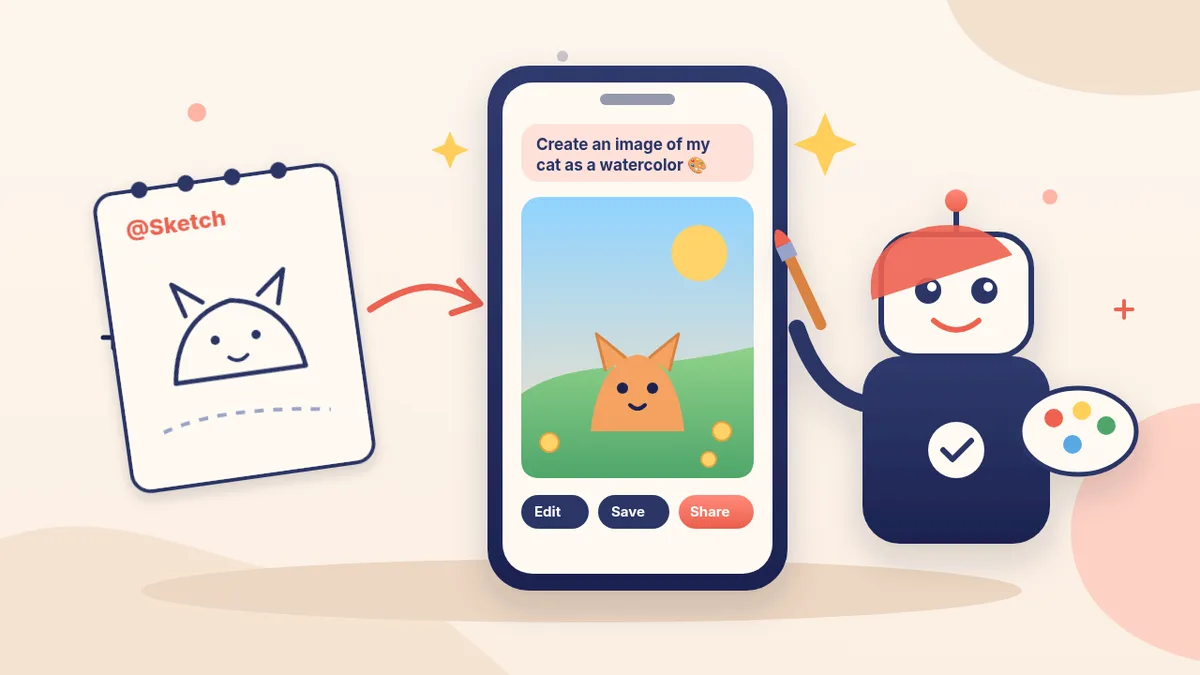
Make your first AI picture
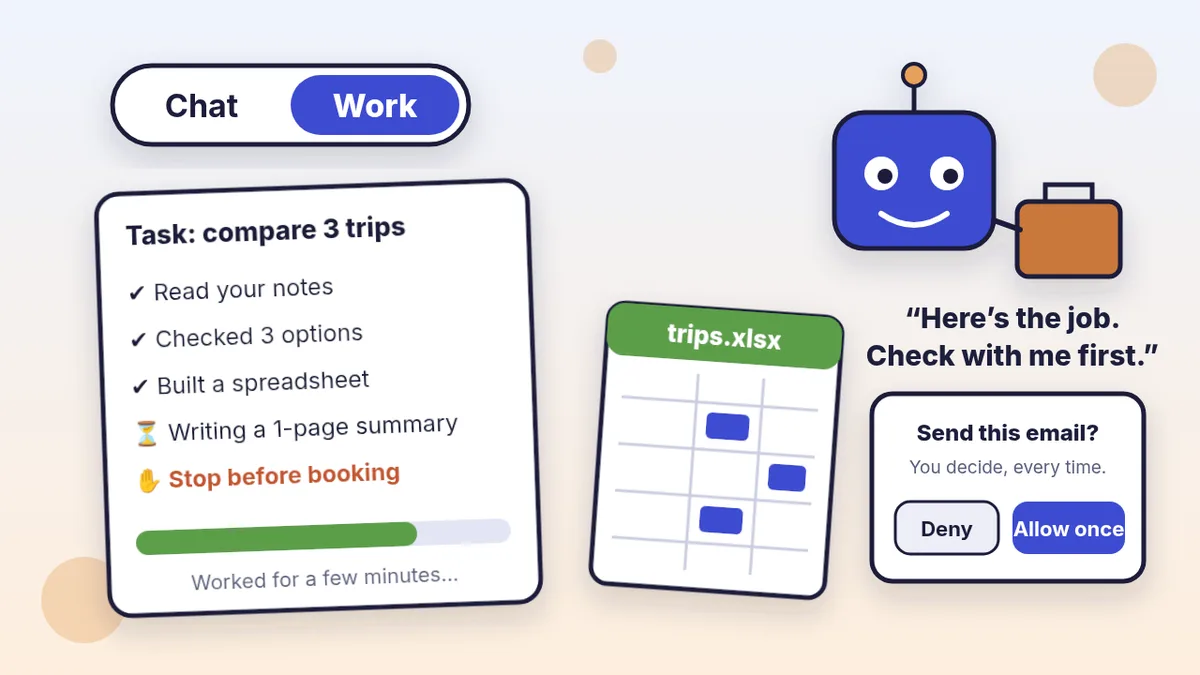
Hand ChatGPT a whole job (Work)
Do I need a Mac mini? (No)
Make ChatGPT remind and brief you
Talk to ChatGPT out loud
ChatGPT Projects: stop re-explaining yourself
25 fun things to try
Is my AI assistant safe?
ChatGPT for seniors
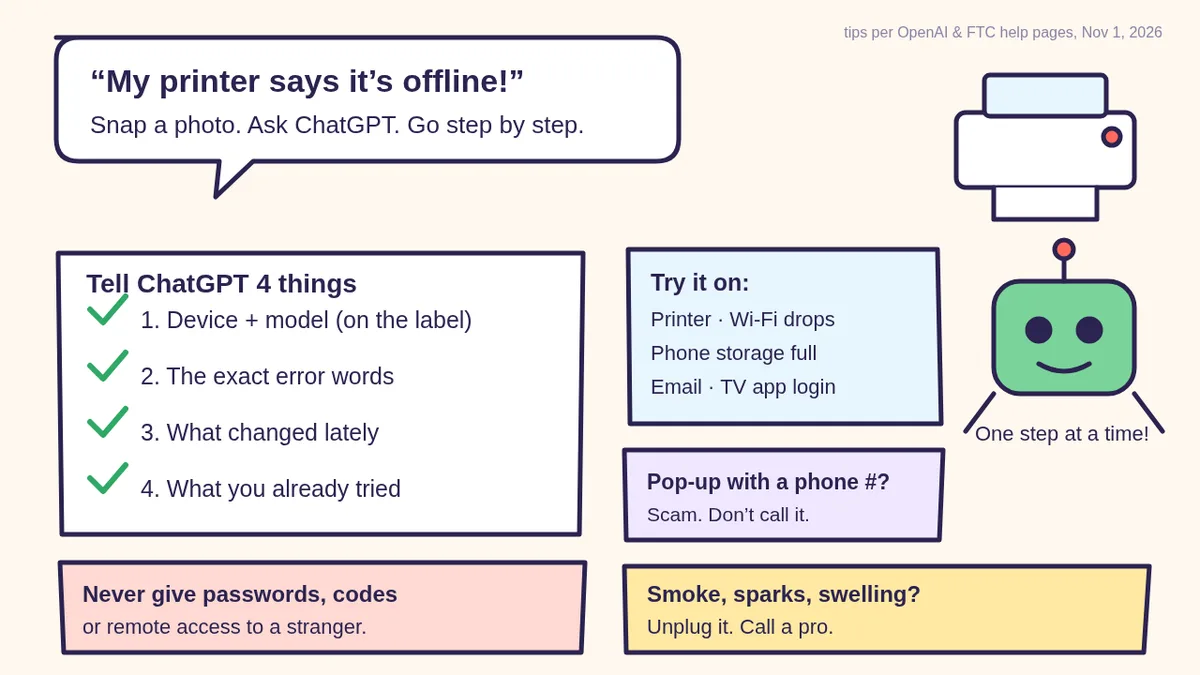
Fix printer, Wi-Fi and phone problems with ChatGPT
Grok Bot for beginners
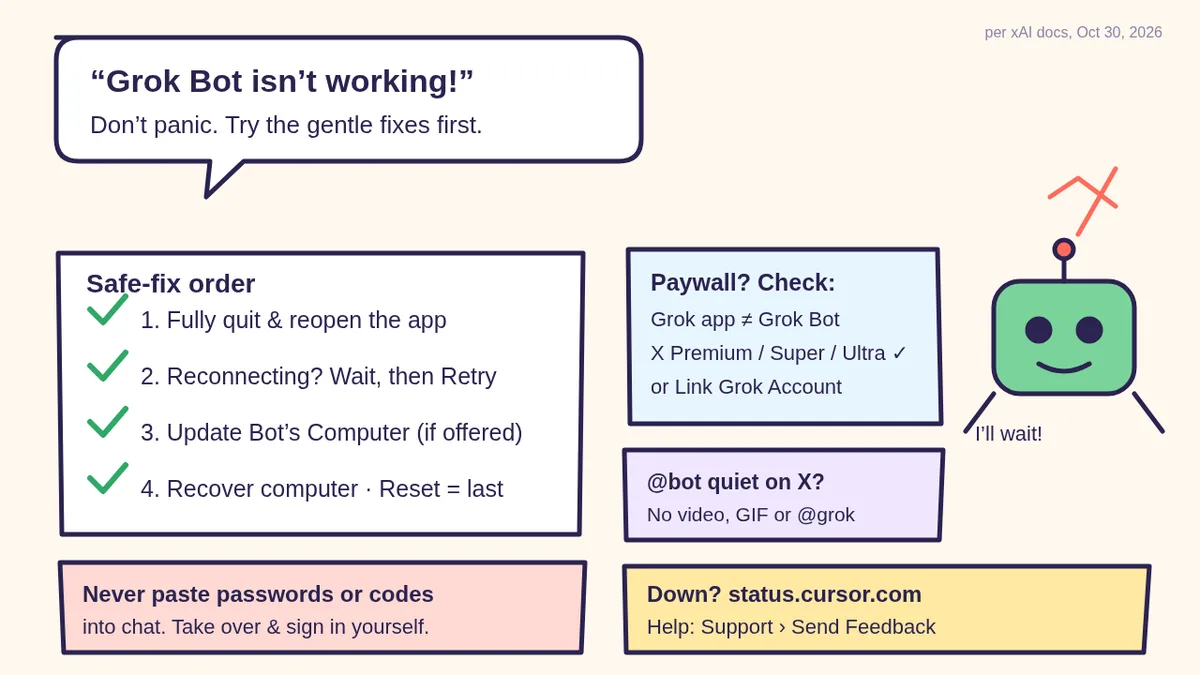
Grok Bot not working? 12 setup fixes
One click to get going
Each button goes straight to secure Stripe checkout. No account to create first.
🧰 Starter Kit
- 24 copy-paste bot recipes
- Setup checklists
- Safety checklist + fixes
🏆 Bot Club
- New recipes + templates monthly
- Monthly “get unstuck” Q&A in the members area
- Cancel anytime
🛠️ Done-for-you setup
- We build your assistant with you
- Monthly tuning and fixes
Not you? Try 🏪 Small business · 💼 Agencies & freelancers · 🎓 Students · 🚀 AI careers & side income.
Quick FAQ
Do I need to pay for AI to get started?
No. ChatGPT, Claude and Grok all have free ways to try them. Start free, and only consider paying once you’re using it every week.
Which AI should a beginner use?
Any of the big ones is a fine place to start. See ChatGPT, Claude and Gemini side by side (with a 5-minute test you can run yourself) in our comparison guide, or take our 2-minute quiz for a personal pick.
Why does AI give me bad answers?
Usually because it had to guess what you meant. Tell it the job, the background, and the kind of answer you want, then ask it to ask you questions first.