🏆 Bot Club, $9/mo: new copy-paste bot recipes and ready-made templates every month, plus a monthly “get unstuck” Q&A post in the members area. Cancel anytime.
Join Bot ClubTake the 2-minute AI sidekick quiz →
Why everyone asks this
You’ve probably seen photos of people with a little Mac mini running their AI assistant 24/7. It looks like a requirement. It isn’t. It’s just a popular choice because it’s quiet, small and stays on.
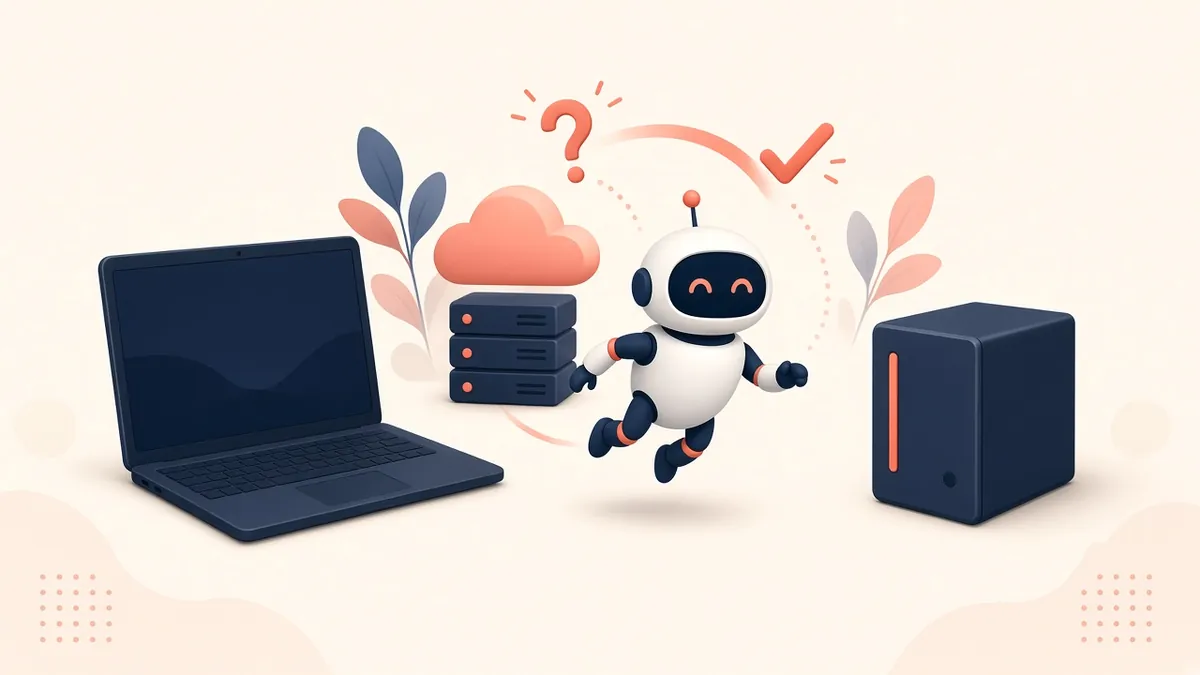
Your 3 options, in plain English
🏠 Your own laptop
Great for: trying it out this weekend.
Catch: when the laptop sleeps or updates, your bot naps too.
☁️ A rented server (VPS)
Great for: always-on, no hardware to buy. Some hosts offer one-click OpenClaw setups.
Catch: a small monthly bill. Gizmodo’s comparison puts a small VPS at about $5–10/month.
🍎 A Mac (mini or any Mac)
Great for: iMessage, Apple Notes, running AI models at home.
Catch: buying hardware before you know you love it.
How much power do I need?
If your assistant uses a cloud AI (Claude, ChatGPT, Gemini), the computer mostly just passes messages back and forth. Gizmodo’s guide lists about 2 GB of memory as a minimum and 4 GB as comfortable.
What about iMessage?
To text your bot from the regular iPhone Messages app, you need some Mac signed into Messages. It doesn’t have to be a Mac mini, and it doesn’t have to be the computer running the bot itself.
Already have a Windows PC? Microsoft says new Windows 11 PCs come with the Copilot app installed, so you can try an AI assistant today without buying anything. Start with Microsoft Copilot for beginners.
Already tried Grok Bot and hit a snag? Most setup problems clear with a full quit and reopen. For the rest, see Grok Bot not working? 12 setup fixes.
No Mac mini required for ChatGPT itself. OpenAI’s desktop app installs on a regular Mac (macOS 14+) or Windows PC from chatgpt.com/download. Walk-through: ChatGPT desktop app for beginners.
Sources
Keep going: related guides
- Grok Bot for beginners: an always-on helper, no hardware
- ChatGPT scheduled tasks: reminders that run for you
- Is my AI assistant safe?
- 25 fun things to try first
🎁 Free: 10 copy-paste ChatGPT prompts
Ten short copy-paste prompts from our free guides, each with a Copy button:
- Reply to a customer review (good or bad)
- A week of social posts in 5 minutes
- Match your resume to one job posting
- Practice the interview out loud
- “Use up my fridge” dinners
- A “tight week” budget dinner plan
- Fill in your “trip card”
- Plan a road trip like a human
- “Explain it like I’m 10”
- “Grade my answer, don’t write it”
Free with an email signup. We never sell your email.
Pick the easiest way to get going
Three simple options. Secure checkout by Stripe.
🧰 Starter Kit
- Pick-your-assistant chart
- Setup checklists
- 24 copy-paste bot recipes
- Safety checklist + troubleshooting
🏆 Bot Club
- New bot recipes every month
- Ready-made templates
- Monthly “get unstuck” Q&A in the members area
- Cancel anytime
🛠️ Done-for-you setup
- We set up your assistant with you
- Monthly tuning: fixes, updates
- New recipes as you go
📬 Get one fun bot trick every week
The Bot Whisperer newsletter: free, plain English, unsubscribe anytime.
Coming soon: sign-ups open shortly. Follow @teachbots to hear when they do.