Home / For you
🏪 For small businessGet your evenings back. Let an AI assistant draft the busywork.
Customer replies, review responses, social posts, FAQs, the same “how much does it cost?” question for the tenth time today. An AI assistant can draft all of it in seconds, in your voice. You stay in charge, and nothing goes out until you hit send.
Plain English · works with ChatGPT, Claude and Grok Bot · cancel anytime

The most common mistakes (and the fix)
❌ Letting it write in “robot voice.”
✅ Give it 3 real examples of how you write, and tell it to match your tone. Your customers know you; the replies should sound like you.
❌ Not giving it your facts.
✅ It doesn't know your hours, prices or policies unless you tell it. Paste them in once (or save them in a Project or custom GPT) and stop retyping them.
❌ Letting it promise things.
✅ Tell it never to promise refunds, discounts or dates. You approve anything that commits the business.
❌ Pasting customer private info.
✅ Leave out card numbers and sensitive details. Use first names only.
❌ Trying to automate everything on day one.
✅ Pick one repeat job (like review replies), get it working well, then add the next one.
Try this right now
Paste this into any assistant with one real review or customer message:
You help me run [BUSINESS TYPE] in [TOWN]. Here are my hours,
prices and policies: [PASTE]. Write a reply to this customer
message: [PASTE]. Friendly, under 80 words, sounding like a
local owner, not a corporation. Never promise refunds or
discounts. If something isn't in my info, write [ASK OWNER].
List the 10 questions my customers most likely ask a
[BUSINESS TYPE]. Then write short answers using only my info
below, and mark anything you had to guess with [CHECK].
My info: [PASTE HOURS, PRICES, POLICIES].
Go deeper, step by step

ChatGPT for small business: 10 prompts
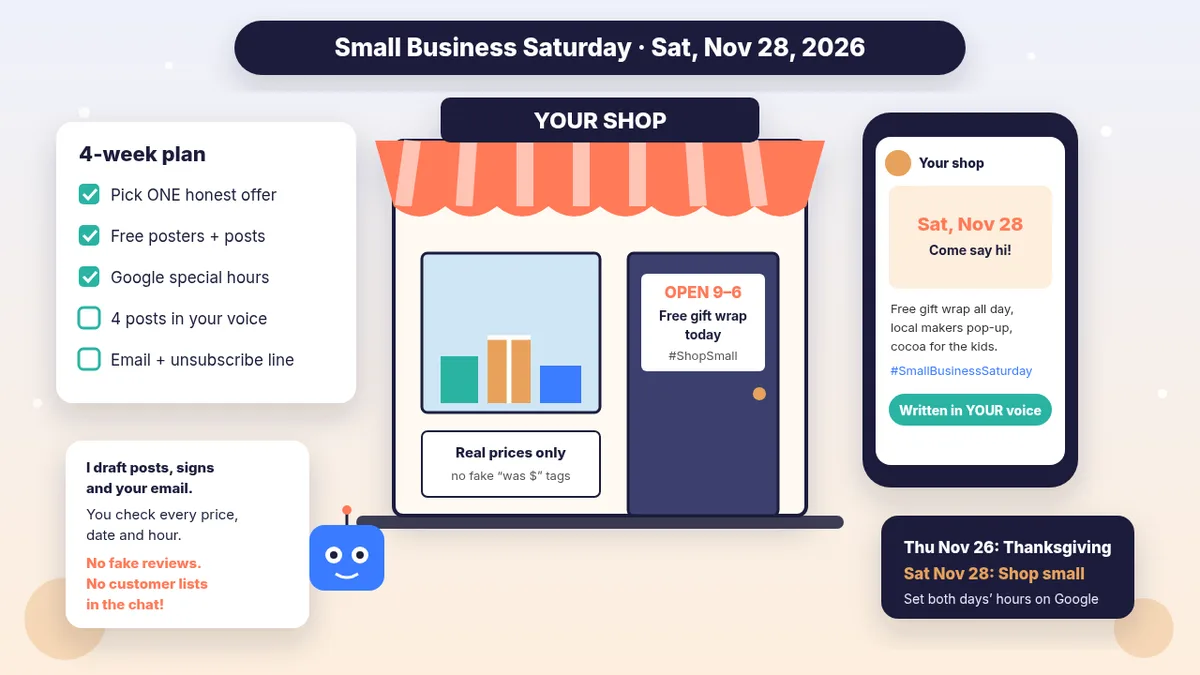
Small Business Saturday (Nov 28): plan, posts and signs
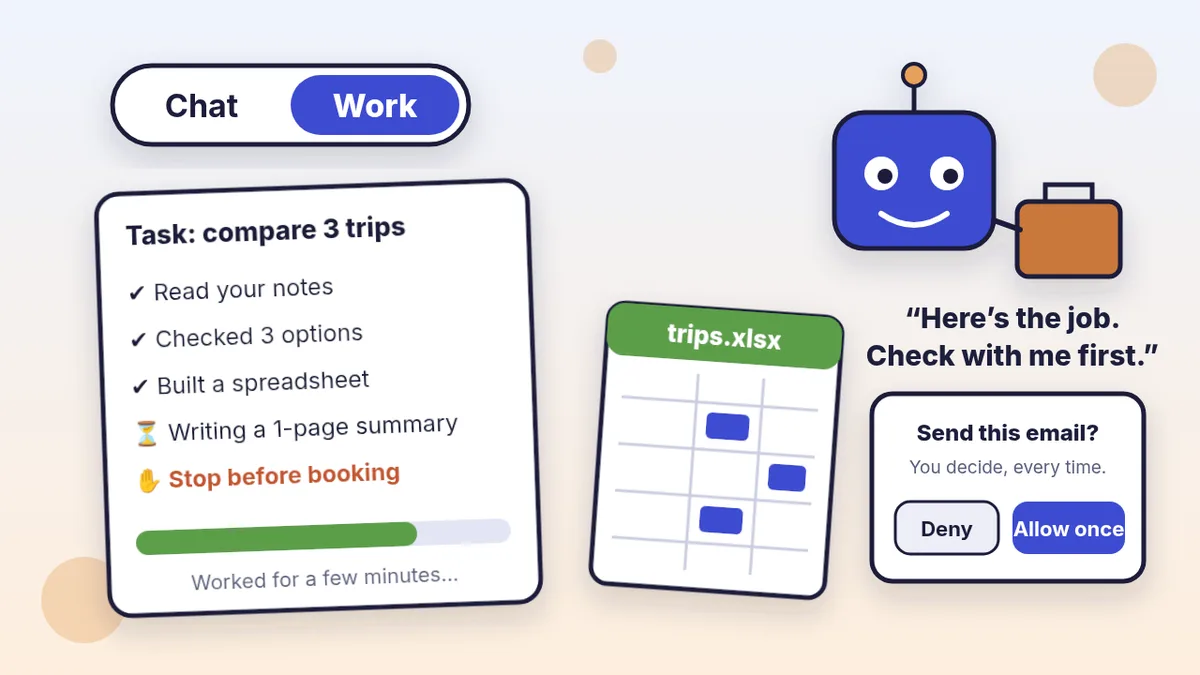
Hand off a report or deck with ChatGPT Work

Reply to Google reviews in a minute
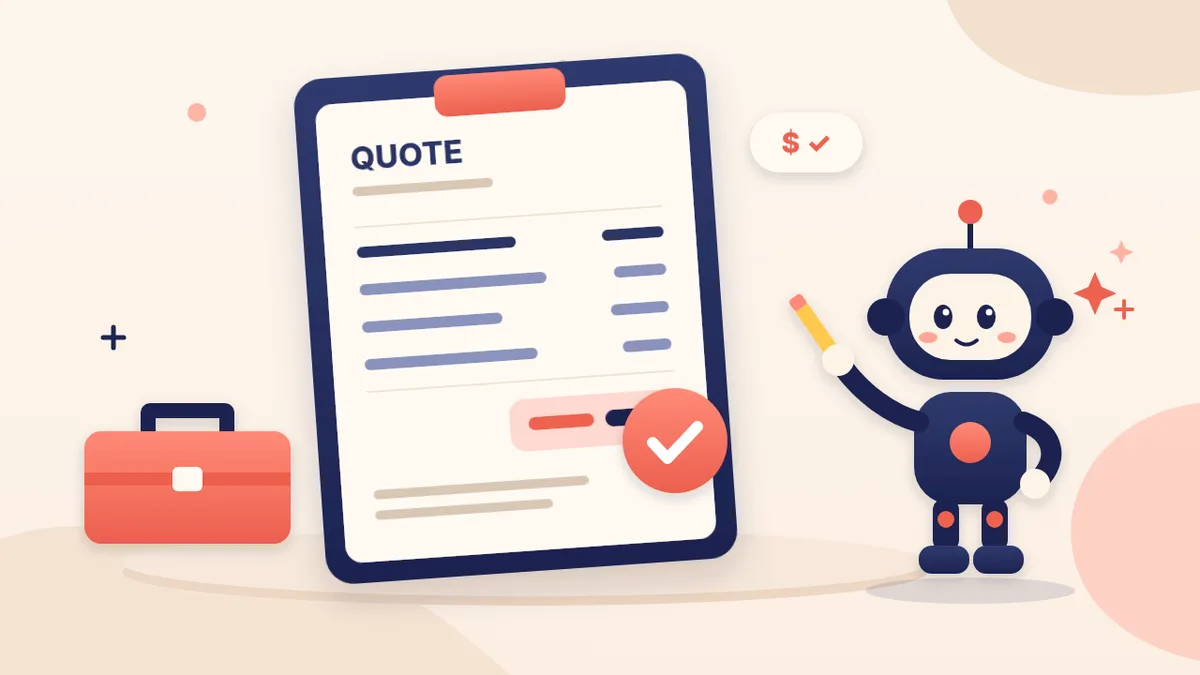
Write quotes and estimates faster
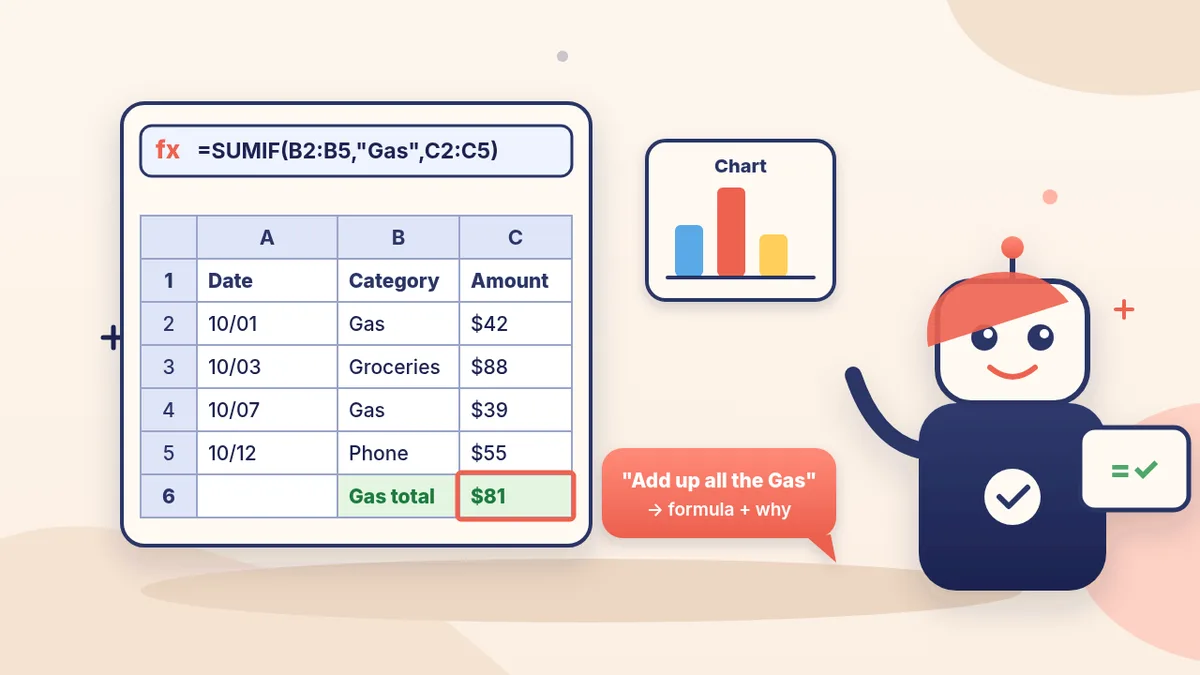
Spreadsheet formulas without the headache
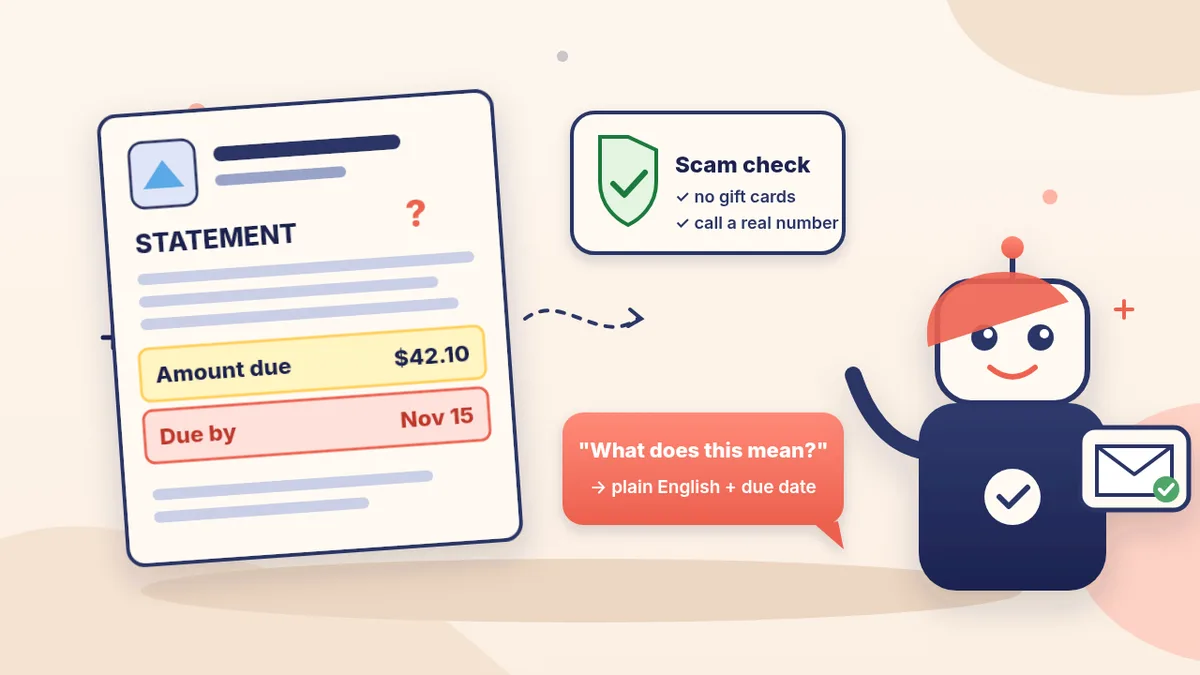
Make sense of notices, invoices and forms
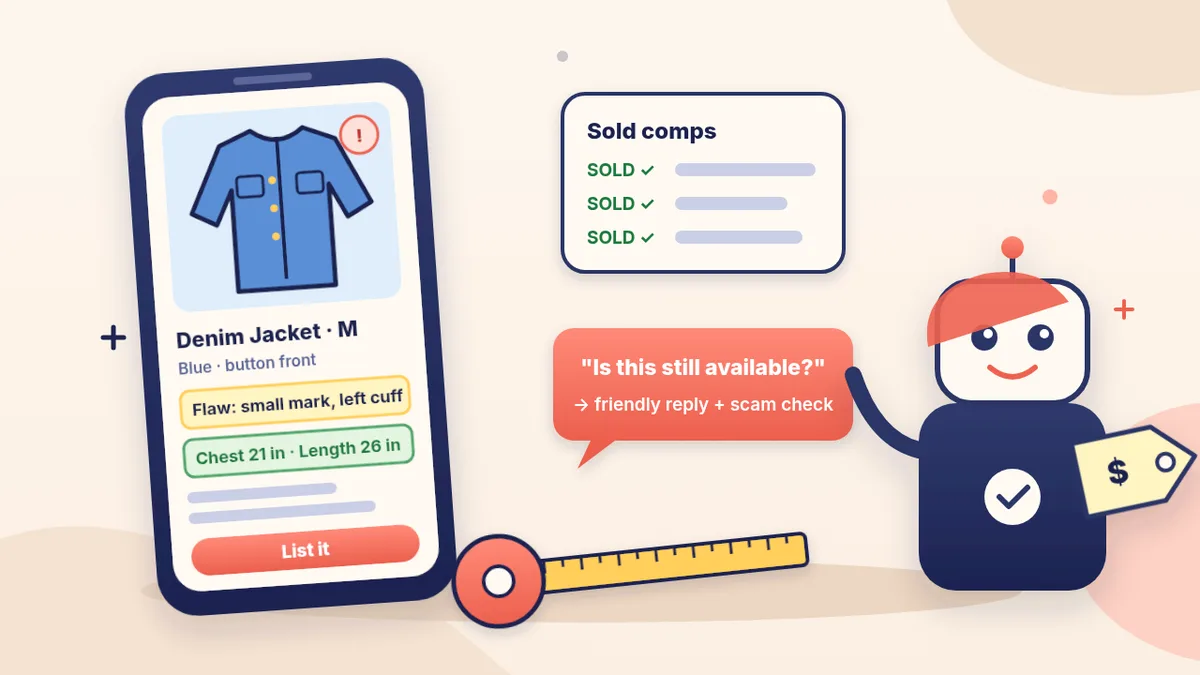
Write product listings from a photo

Write customer emails in your own voice

A week of social posts in your voice
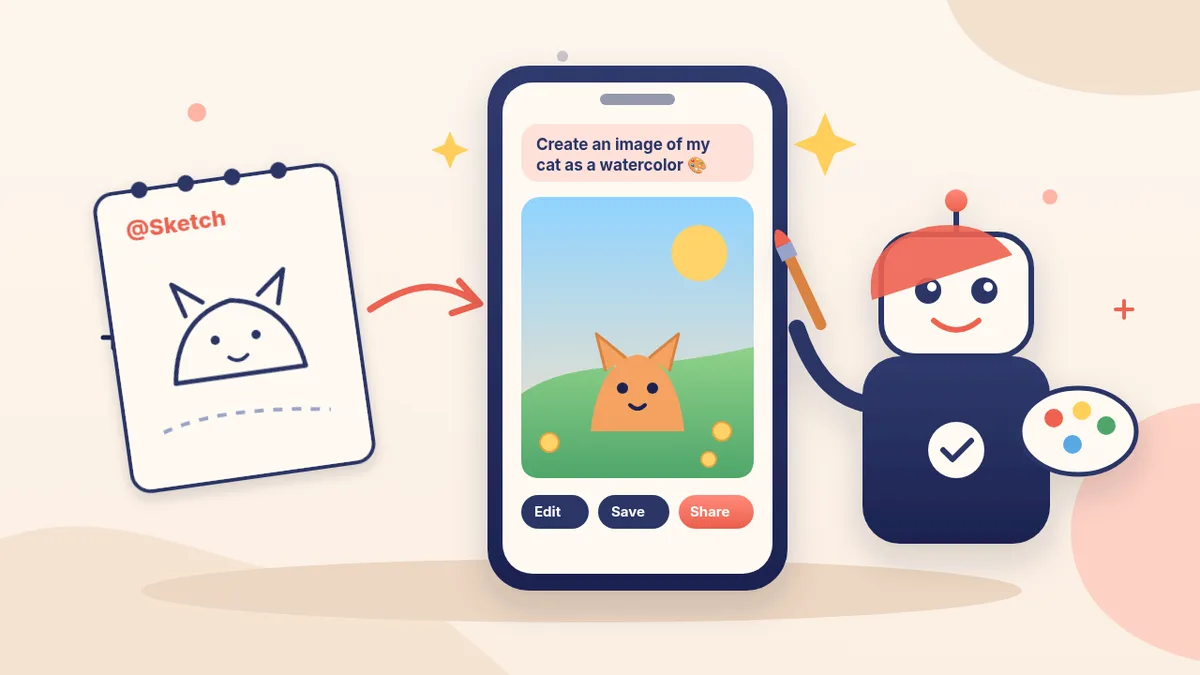
Make a flyer or post graphic
A Monday briefing that comes to you

ChatGPT, Claude or Gemini: which fits your business?

Build an FAQ bot (no coding)

Make your first custom GPT

A ChatGPT Project for your business

Claude Projects: a memory folder for your business

AI safety basics
One click to get going
Each button goes straight to secure Stripe checkout. No account to create first.
🏆 Bot Club
- New recipes + templates monthly
- Monthly “get unstuck” Q&A in the members area
- Cancel anytime
🛠️ Done-for-you setup
- We build your assistant with you
- Monthly tuning and fixes
🏪 Care plan
- Ongoing monitoring of your business bot
- We fix wrong answers
- Cancel anytime
Not you? Try 🌱 New to AI · 💼 Agencies & freelancers · 🎓 Students · 🚀 AI careers & side income.
Quick FAQ
Can AI answer my customers for me?
It can draft answers and run an FAQ bot built from your own info. Keep a human check on anything about money, refunds or bookings.
What's the difference between done-for-you setup and the care plan?
Setup ($199 + $49/mo) builds your assistant with you and keeps it tuned. The care plan ($149/mo) is ongoing monitoring and fixes for a business bot that customers use.
Do I need technical skills?
No. Everything starts with copy-paste prompts, and we can set it up with you.