Bring AI to your team without the chaos.
In most teams it starts quietly. One person uses AI on their personal account, another pastes a customer email into who-knows-what, and nobody's sure what's allowed. You don't need a big IT project to fix that. A one-page policy, a few approved uses and a shared set of prompts turn scattered experiments into real time saved every week, and they keep customer data where it belongs.
Works in ChatGPT, Claude, Gemini, Grok or Copilot · free versions are fine

3 steps, 2 minutes
5 copy-paste prompts
1. Draft an AI use policy
Draft a 1-page plain-English AI use policy for a [INDUSTRY]
company of [SIZE]: what staff may and may not paste, which
tools are approved, review rules and who to ask. Mark items
for legal/HR review with [REVIEW].
2. Find your biggest time savers
Interview me with 6 questions about our team's weekly tasks.
Then list the 5 tasks where AI drafting could save the most
time with the lowest risk, and how to test each for 2 weeks.
3. Meeting notes to action items
Turn these meeting notes into decisions, action items with
owners and dates, and open questions: [PASTE]
4. Write a step-by-step SOP
Turn this messy description of how we do [PROCESS] into a
numbered standard operating procedure with a checklist:
[PASTE]
5. Staff training plan
Make a 4-week, 30-minutes-a-week AI training plan for
non-technical staff in [DEPARTMENT], with one hands-on
exercise per week.
🔒 Members-only
6 more teams & bigger businesses prompts
Inside: Compare AI tools side by side, Customer email templates, Job description, Simple risk register, New-hire onboarding buddy, Executive summary.
Bot Club · $9/mo · cancel anytime. Your Member Library opens right after checkout.
Join Bot Club, unlock the full pack · $9/moNot sure what a word means?
Privacy and your data · Agent / bot · Automation / routine · API · Hallucination
📚 Free guidesGo deeper, step by step

10 business prompts that save real time

Emails that sound like you

AI safety basics for your team
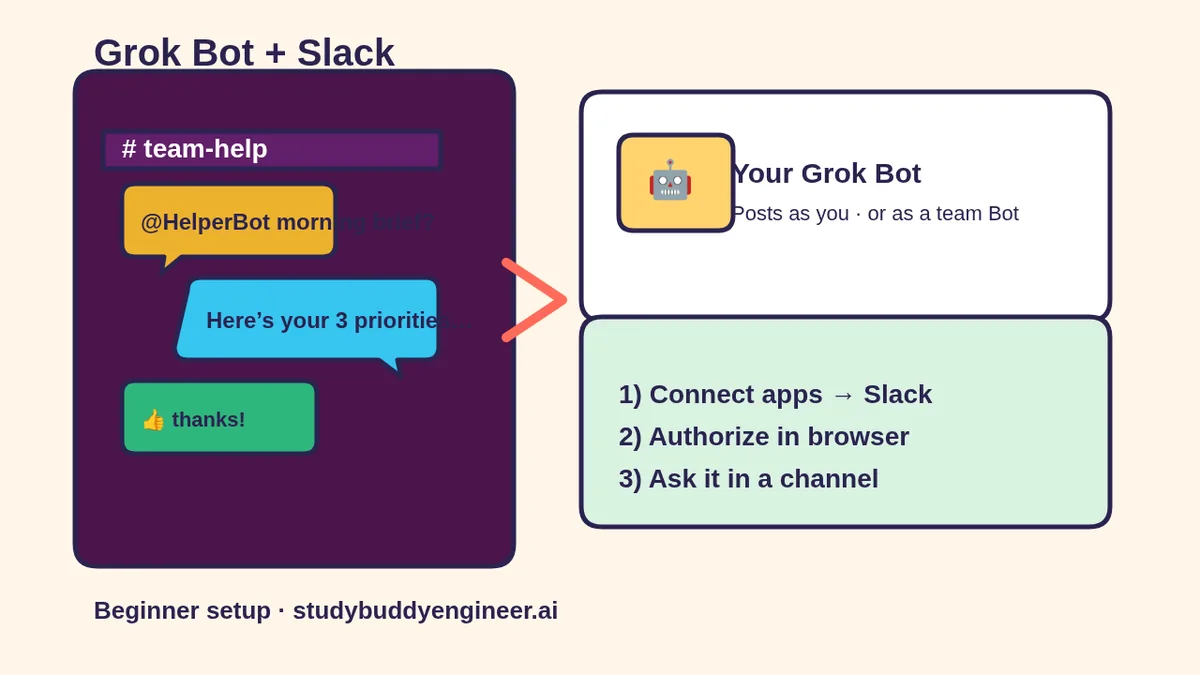
Put Grok Bot in Slack for your team (draft-first)
Pick the easiest way to get going
Three simple options. Secure checkout by Stripe.
🧰 Starter Kit
- Pick-your-assistant chart
- Setup checklists
- 24 copy-paste bot recipes
- Safety checklist + troubleshooting
🏆 Bot Club
- New bot recipes every month
- Ready-made templates
- Monthly “get unstuck” Q&A in the members area
- Cancel anytime
🛠️ Done-for-you setup
- We set up your assistant with you
- Monthly tuning: fixes, updates
- New recipes as you go
More in Work: 📣 Social media marketing · 🛍️ Thrift shoppers & resellers · 🎨 Designers & creatives · All “AI for…” pages