Spend less time on emails and briefs, and more time designing.
AI is great at everything around the design: turning a rambling client call into a clear brief, sparking moodboard ideas, sorting a messy feedback thread into a to-do list, writing placeholder copy and drafting proposals. You stay the designer, and you make sure anything you deliver is yours to use.
Works in ChatGPT, Claude, Gemini, Grok or Copilot · free versions are fine
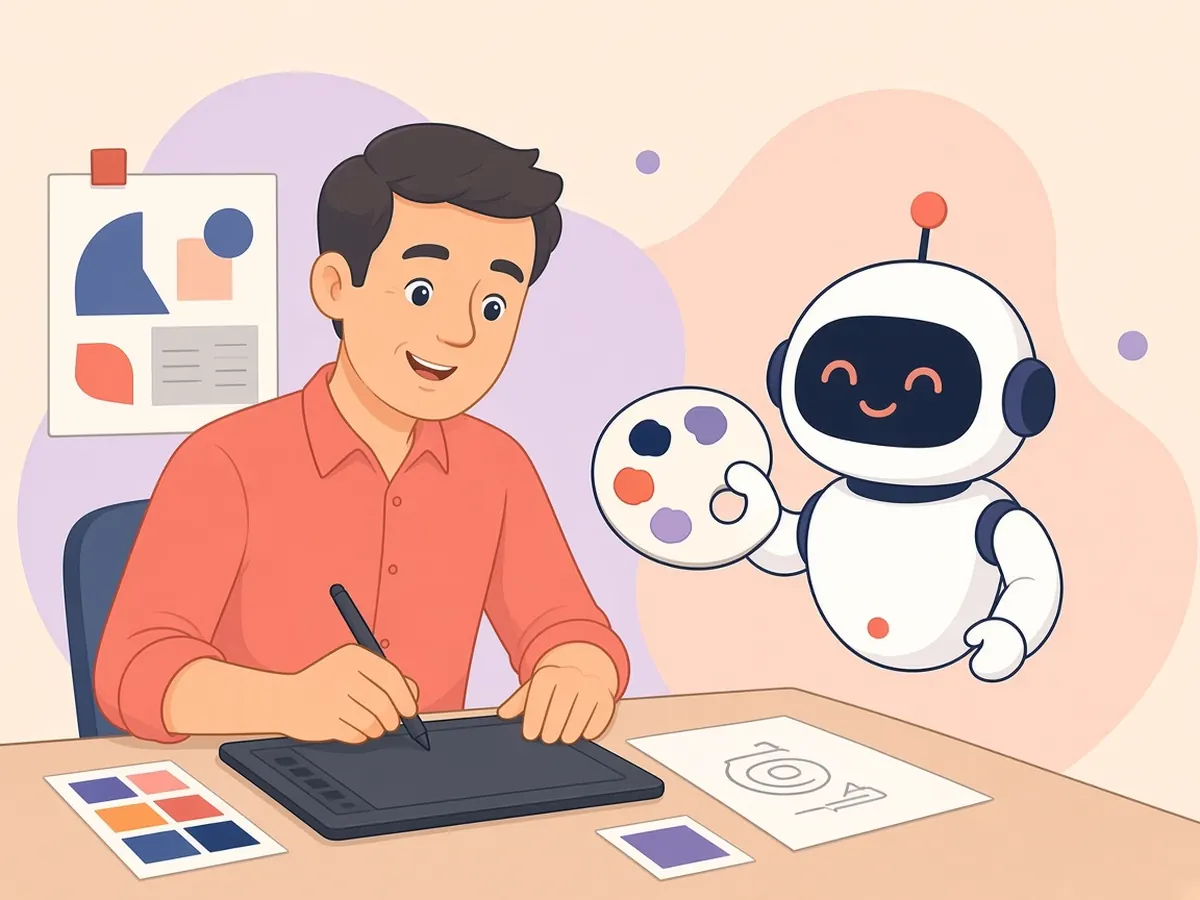
AI output may look like someone else’s work. Don’t ask for copies of real logos, characters or artists’ styles, check licenses before delivering anything, and tell clients if AI was used when your contract or their policy requires it.
3 steps, 2 minutes
5 copy-paste prompts
1. Brief from messy notes
Turn these client notes into a one-page design brief: goal,
audience, deliverables, sizes/formats, tone words, must-
haves, don't-wants, deadline and open questions. Notes:
[PASTE]
2. Concept directions
Give me 5 clearly different visual directions for [PROJECT]
for [AUDIENCE]. For each: a name, mood words, a color idea,
a type style and one reference era or art movement.
3. Feedback summary
Here's a long thread of client feedback. Turn it into a
numbered list of specific changes, point out where reviewers
disagree, and list questions I should ask. Thread: [PASTE]
4. Placeholder copy
Write realistic placeholder copy for a [LANDING PAGE /
FLYER] for [BUSINESS]: headline options, a subhead, 3
benefits and a call to action. Plain and friendly, not pushy.
5. Scope and revisions
Write a friendly paragraph for my proposal explaining what's
included (2 rounds of revisions), what counts as a new
request, and how extra rounds are billed at [RATE].
🔒 Members-only
7 more designers & creatives prompts
Inside: Image-prompt builder, Brand voice card, Accessibility check, Case study writer, Polite pushback, Alt text batch, Handoff checklist.
Bot Club · $9/mo · cancel anytime. Your Member Library opens right after checkout.
Join Bot Club, unlock the full pack · $9/moNot sure what a word means?
Image generation · Prompt · Projects · Deepfake · The “double-check it” rule
📚 Free guidesGo deeper, step by step
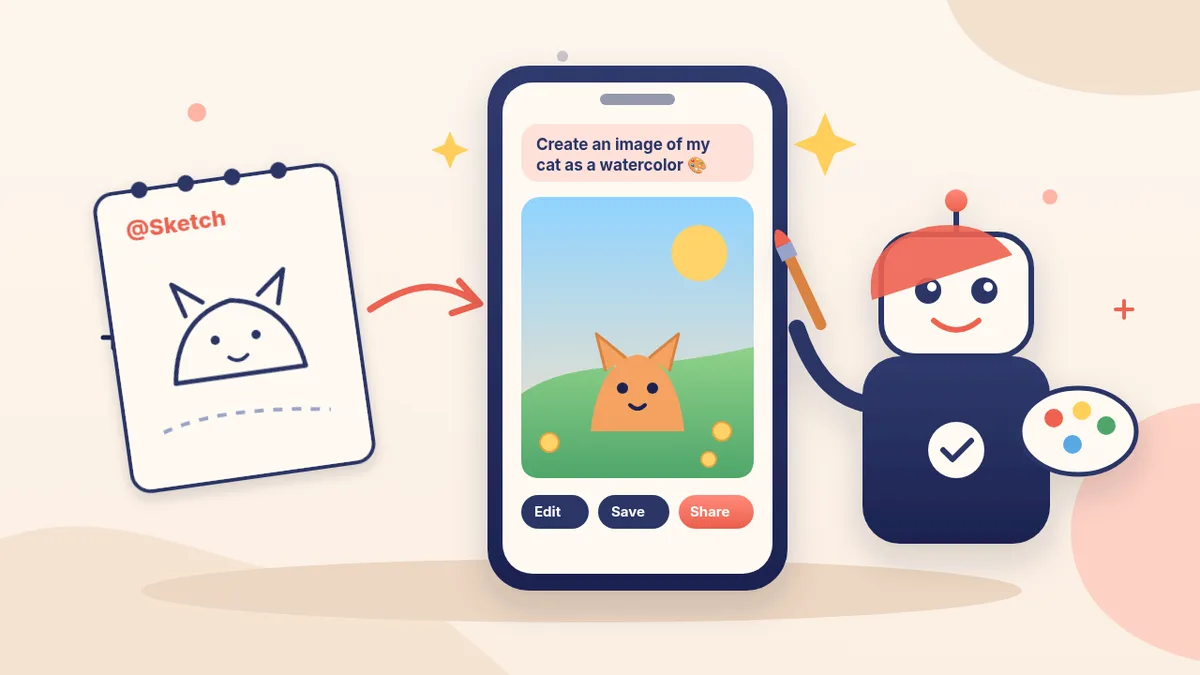
Quick image ideas with ChatGPT Images
One Project per client
Client emails that sound like you
Write quotes and proposals
Earning with AI skills (the honest version)
Pick the easiest way to get going
Three simple options. Secure checkout by Stripe.
🧰 Starter Kit
- Pick-your-assistant chart
- Setup checklists
- 24 copy-paste bot recipes
- Safety checklist + troubleshooting
🏆 Bot Club
- New bot recipes every month
- Ready-made templates
- Monthly “get unstuck” Q&A in the members area
- Cancel anytime
🛠️ Done-for-you setup
- We set up your assistant with you
- Monthly tuning: fixes, updates
- New recipes as you go
More in Work: 📣 Social media marketing · 🏢 Teams & bigger businesses · 🛍️ Thrift shoppers & resellers · All “AI for…” pages