Home / AI for… / Money & paperwork
🧾 AI for bookkeeping & receiptsTurn that shoebox of receipts into tidy books this week.
You don't need to know a single accounting word to start. Paste in your expenses and AI will sort them into categories, explain confusing terms in plain English, write polite reminders for clients who owe you money, and build a checklist to bring to your accountant. One honest note: AI is not an accountant or tax advisor, so a pro still checks your numbers and makes the tax decisions.
Works in ChatGPT, Claude, Gemini, Grok or Copilot · free versions are fine

AI helps you organize, explain and draft, but it is not an accountant, bookkeeper of record or tax advisor, and it can get math and rules wrong. Have a qualified accountant or tax professional review your books and any tax decisions. Never paste full bank or card numbers, passwords or Social Security numbers.
3 steps, 2 minutes
5 copy-paste prompts
1. Sort my expenses
Sort these expenses into simple bookkeeping categories
(like supplies, software, fuel, meals, advertising). Show a
table with date, vendor, amount and category. If you aren't
sure about one, mark it [ASK MY ACCOUNTANT] instead of
guessing. Don't give tax advice.
Expenses: [PASTE, NO CARD NUMBERS]
2. Explain a term
Explain [ACCOUNTS RECEIVABLE / CASH VS ACCRUAL / 1099 /
RECONCILE] in plain English, like you're talking to a friend
who runs a [TYPE OF BUSINESS]. Use one tiny everyday example
from that kind of business. Keep it to 5 sentences.
3. Invoice reminder
Write a friendly reminder for invoice #[NUMBER] for [$],
due [DATE], to [CLIENT]. Version 1: a polite, warm nudge.
Version 2: firm but kind, for when it's 30 days late.
Keep both short enough to read on a phone.
4. Accountant prep list
I run a [TYPE] business as a [SOLE PROP / LLC]. Make me a
checklist of the documents to gather and the questions to
ask my accountant or tax preparer this year. Don't tell me
what to deduct; just list what I should ask about.
5. Monthly money check
Here are my monthly totals: income [$], expenses by
category [PASTE]. Compare them to last month [PASTE] and
tell me in plain words what went up, what went down, and
3 questions worth asking myself or my bookkeeper.
🔒 Members-only
7 more bookkeeping & receipts prompts
Inside: Receipt photo to table, Chart of accounts starter, Mileage log template, Cash-flow calendar, Late payer script, Price-increase letter, Year-end checklist.
Bot Club · $9/mo · cancel anytime. Your Member Library opens right after checkout.
Join Bot Club, unlock the full pack · $9/moNot sure what a word means?
Privacy and your data · Hallucination · The “double-check it” rule · Projects · Multimodal
📚 Free guidesGo deeper, step by step
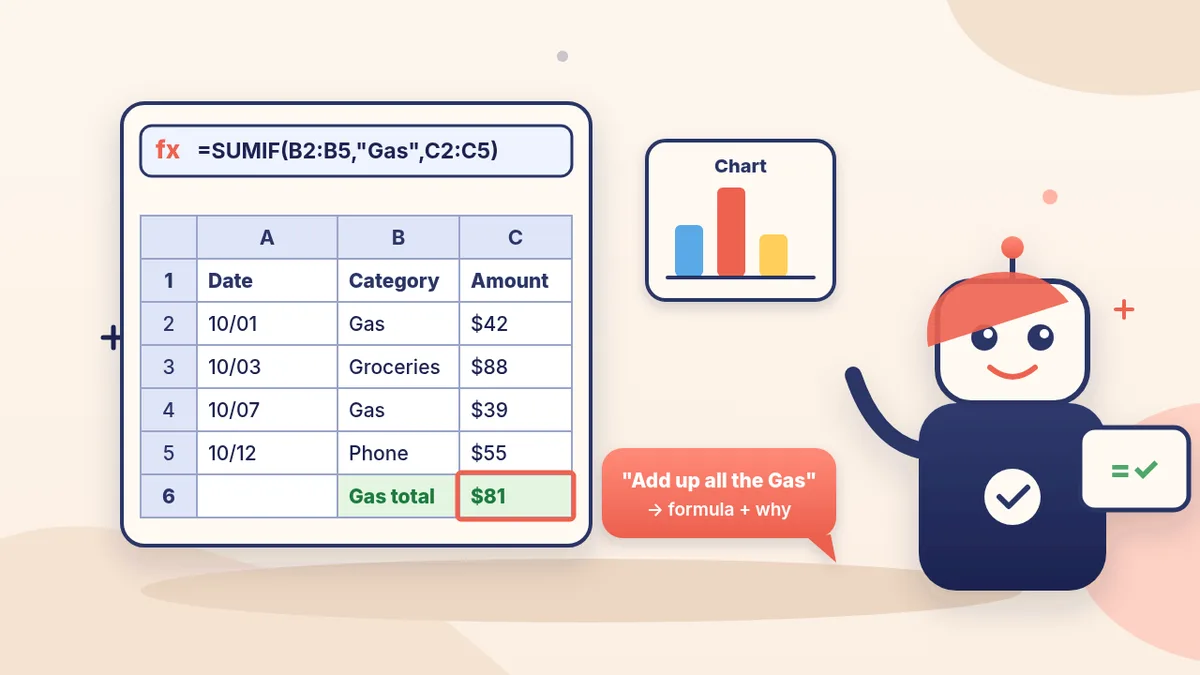
Spreadsheet formulas with ChatGPT
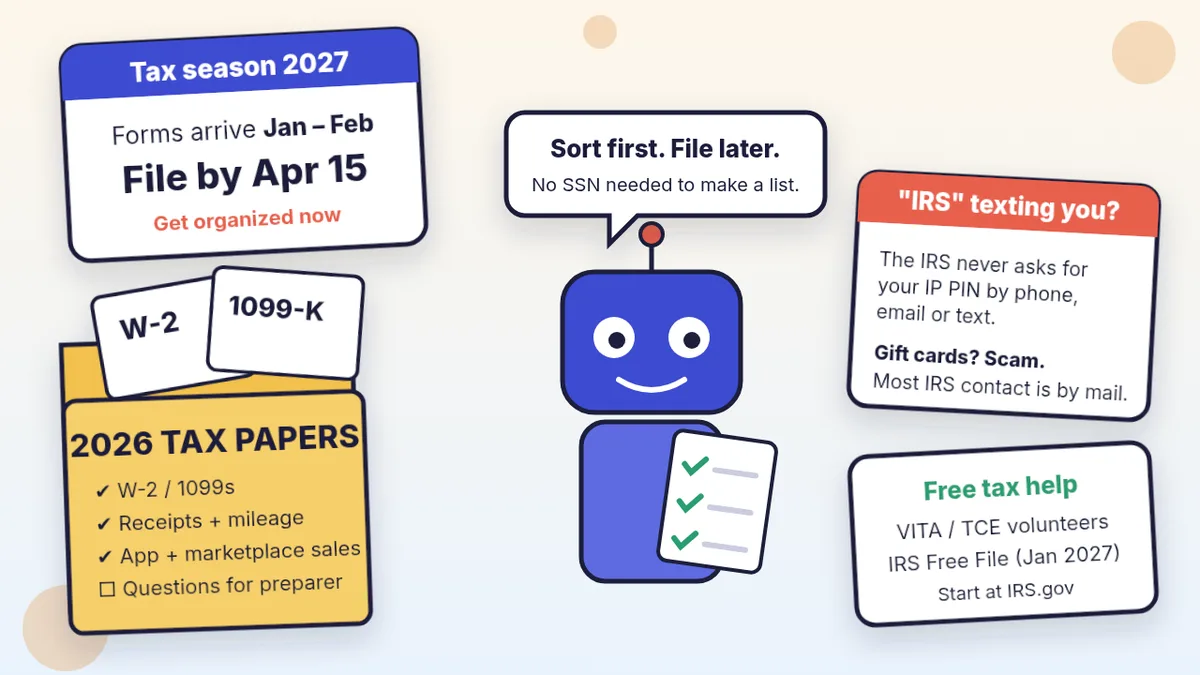
Tax season: organize forms, receipts and logs
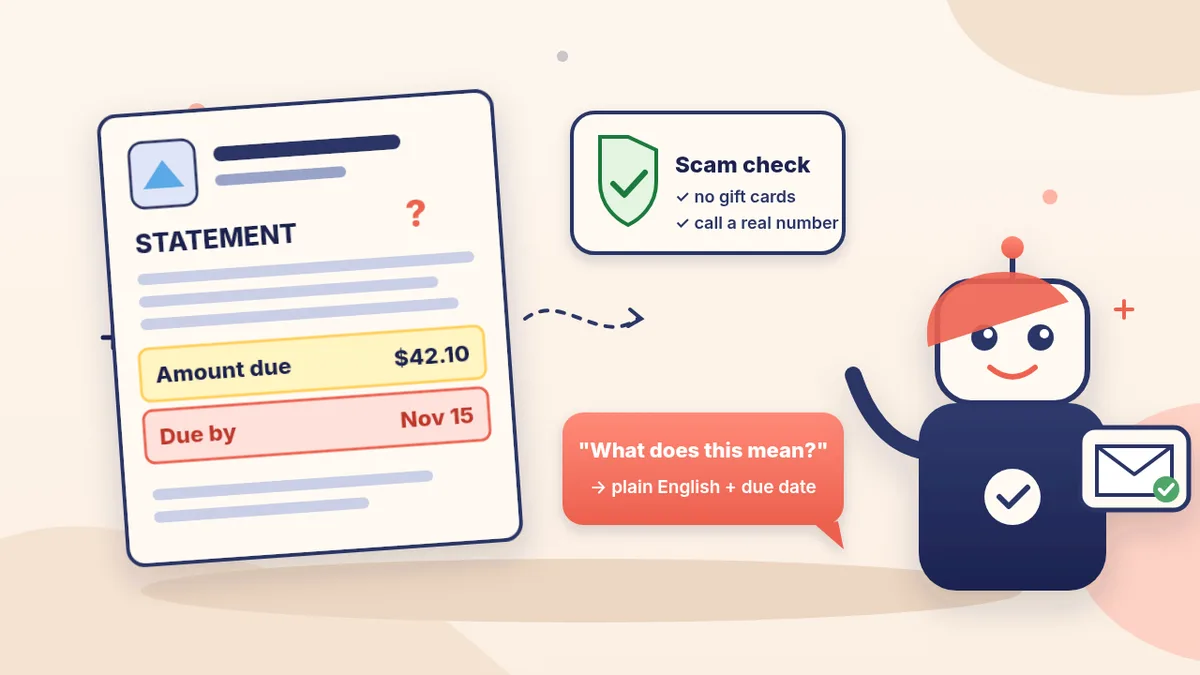
Explain a confusing bill or notice

Write emails with ChatGPT

Write quotes and estimates

Upload receipt photos

Keep money info safe
Pick the easiest way to get going
Three simple options. Secure checkout by Stripe.
🧰 Starter Kit
- Pick-your-assistant chart
- Setup checklists
- 24 copy-paste bot recipes
- Safety checklist + troubleshooting
🏆 Bot Club
- New bot recipes every month
- Ready-made templates
- Monthly “get unstuck” Q&A in the members area
- Cancel anytime
🛠️ Done-for-you setup
- We set up your assistant with you
- Monthly tuning: fixes, updates
- New recipes as you go
More in Money & paperwork: 📝 Grants & grant writing · 📑 Bids, RFPs & proposals · ⚖️ Legal paperwork · All “AI for…” pages